


Choosing the best technology in today's fast-paced society involves more than simply hardware; it also involves the...
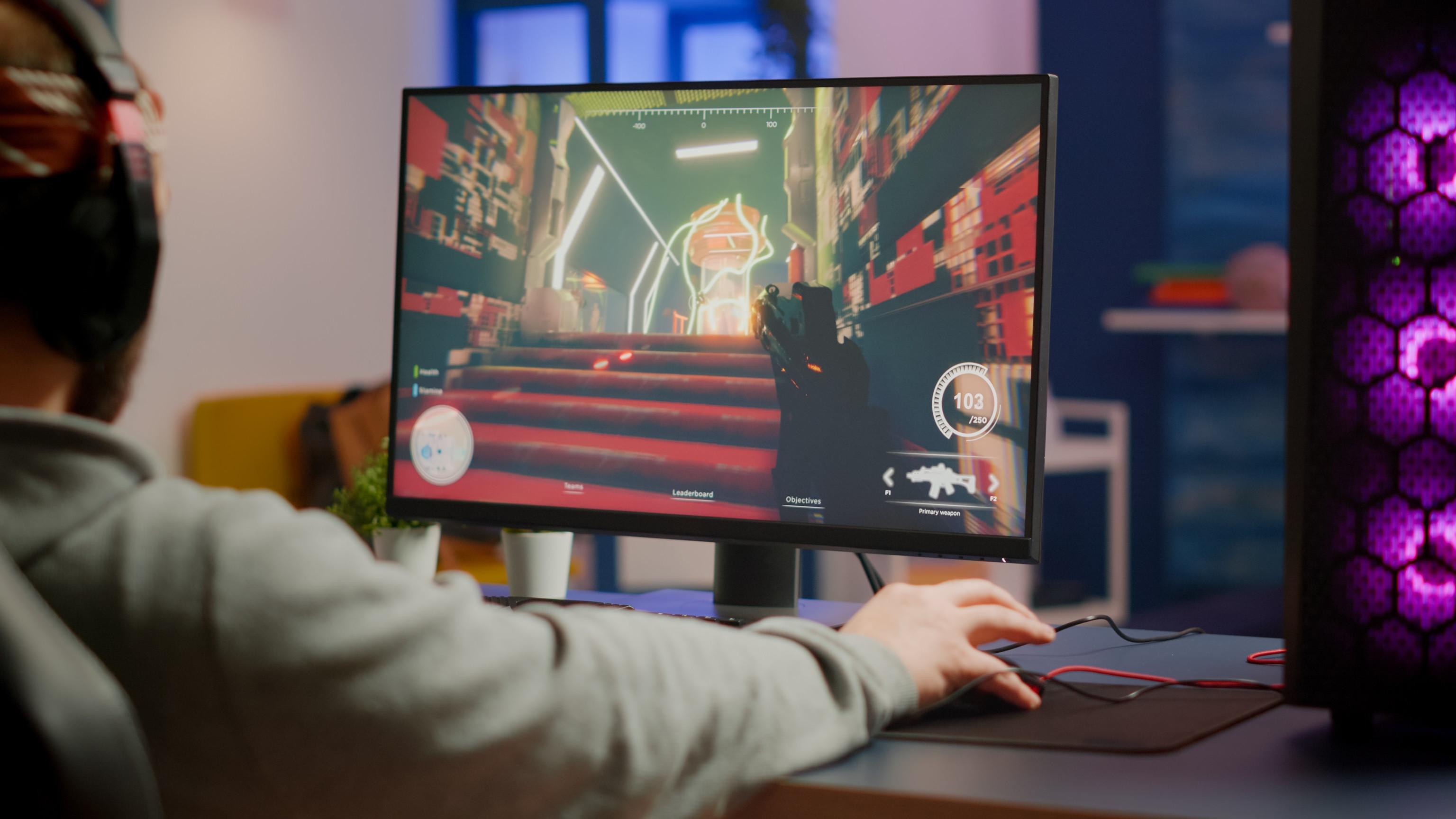
Building the Best Budget-Friendly PC for FPS Games: A Guide for Gamers on a Tight Budget
Having problems with laggy gameplay and low frame rates? Imagine experiencing seamless gameplay with lightning-fast response times, all within your budget. Keep reading to discover the best components and tips for building your dream budget-friendly PC for FPS games.
When it comes to creating a low-cost PC for FPS games, the trick is to strike the optimal mix between price and performance. Here are the essential components you should consider:
Processor (CPU):
Look for a processor that offers strong single-core performance, as FPS games rely heavily on the CPU for smooth gameplay.
Recommended option: AMD Ryzen 5 5600X or Intel Core i5-11600K.
Graphics Card (GPU):
Choose a graphics card that can handle the demands of FPS games while staying within your budget.
Recommended option: NVIDIA GeForce GTX 1660 Super or AMD Radeon RX 5600 XT.
Memory (RAM):
Aim for at least 16GB of RAM to ensure smooth multitasking and gameplay.
Recommended option: Corsair Vengeance LPX 16GB (2 x 8GB) DDR4 3200MHz.
Storage:
For best performance and storage capacity, you can try combining SSD (Solid State Drive) and HDD (Hard Disk Drive).
Recommended option: Crucial MX500 500GB SSD for faster boot times and a Seagate Barracuda 2TB HDD for additional storage.
Motherboard:
Choose a motherboard that is compatible with your chosen CPU and offers sufficient connectivity options.
Recommended option: MSI B450 TOMAHAWK MAX or ASUS TUF Gaming B550-PLUS.
Power Supply Unit (PSU):
Select a reliable PSU with enough wattage to power your components.
Recommended option: EVGA 600 W1, 80+ WHITE 600W.
Case:
Pick a case that provides good airflow and enough space for your components.
Recommended option: NZXT H510 or Cooler Master MasterBox Q300L.
If you are wondering if you can upgrade your budget-friendly PC in the future? Yes, you can upgrade your budget-friendly PC in the future. Building a PC allows for future upgrades, enabling you to gradually improve your system as your budget allows. If you want to choose between pre-built PCs, I would say building your own PC gives you more control over the components and enables you to make cost-effective choices. Other gamers use a high refresh rate monitor (such as 144Hz or 240Hz) to enhance their gaming experience, but it is not a necessity. You can start with a budget-friendly monitor and upgrade later.
Imagine immersing yourself in the intense world of FPS games with a budget-friendly PC that delivers exceptional performance. With the right components and careful planning, you can achieve smooth gameplay and an edge over your opponents without straining your wallet.
Posted in:
How-to Guides
Related posts
Comprehensive Guide on How to Assemble a Gaming PC
You can build a system unit specifically designed for your gaming needs....
Read more

GPU Comparison: Low-end vs. Mid-range vs. High-end
Any computer system must include graphics processing units (GPUs), but gamers...
Read more
The Best CPU and GPU Combo for Your Ultimate Gaming PC
Are you planning on assembling your gaming PC but are not sure of what CPU...
Read more
Essential PC Requirements for Prominent Editing Apps: A Comprehensive Guide
The digital world is overflowing with editing applications, each with their...
Read more

Canon and PIXMA MegaTank: A Delightful App Promo
Canon's PIXMA MegaTank printers are outstanding options for both home and...
Read more
Latest posts

Canon 2026 Delightful Rewards Promo
Read more
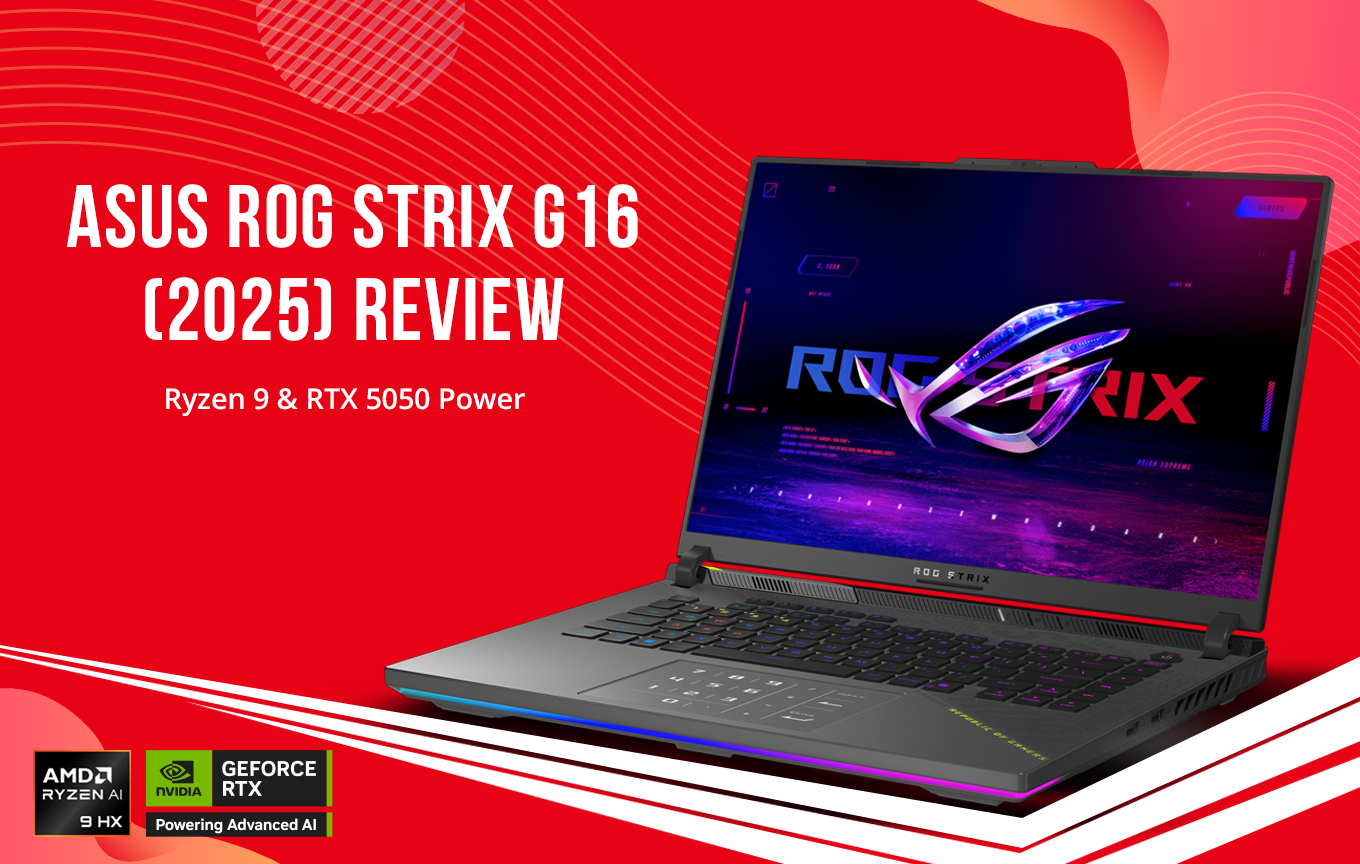
ASUS ROG Strix G16 Review: Ryzen 9 & RTX 5050 Power
Read more
The ASUS ROG Strix G16 G614PH-RV067WSM represents a fascinating shift in the gaming laptop landscape of 2025. For...
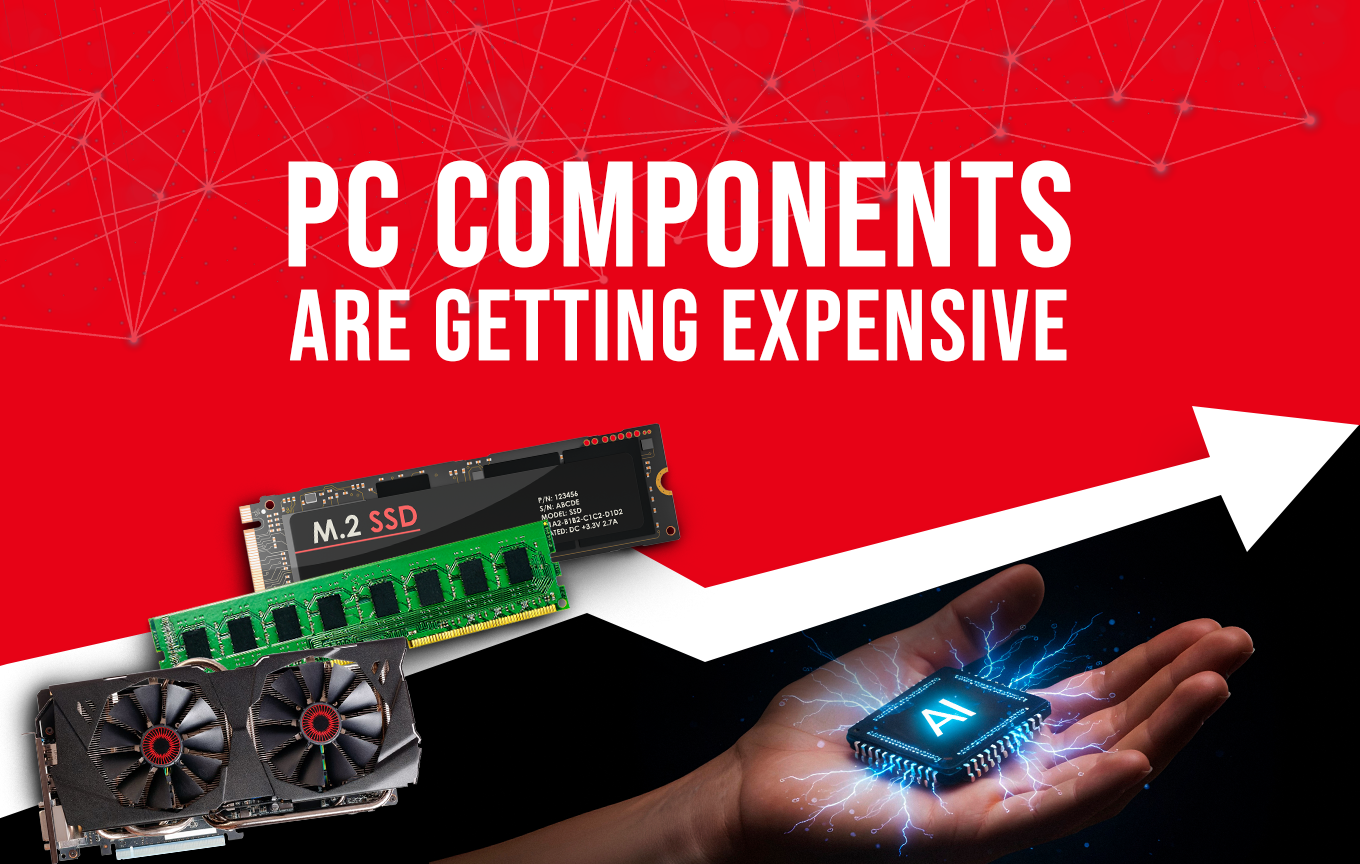
Computer Components Price Hike: Why PCs Are Getting More Expensive in 2026
Read more
For decades, consumers have grown accustomed to a simple truth in computing: every year brings better performance at...
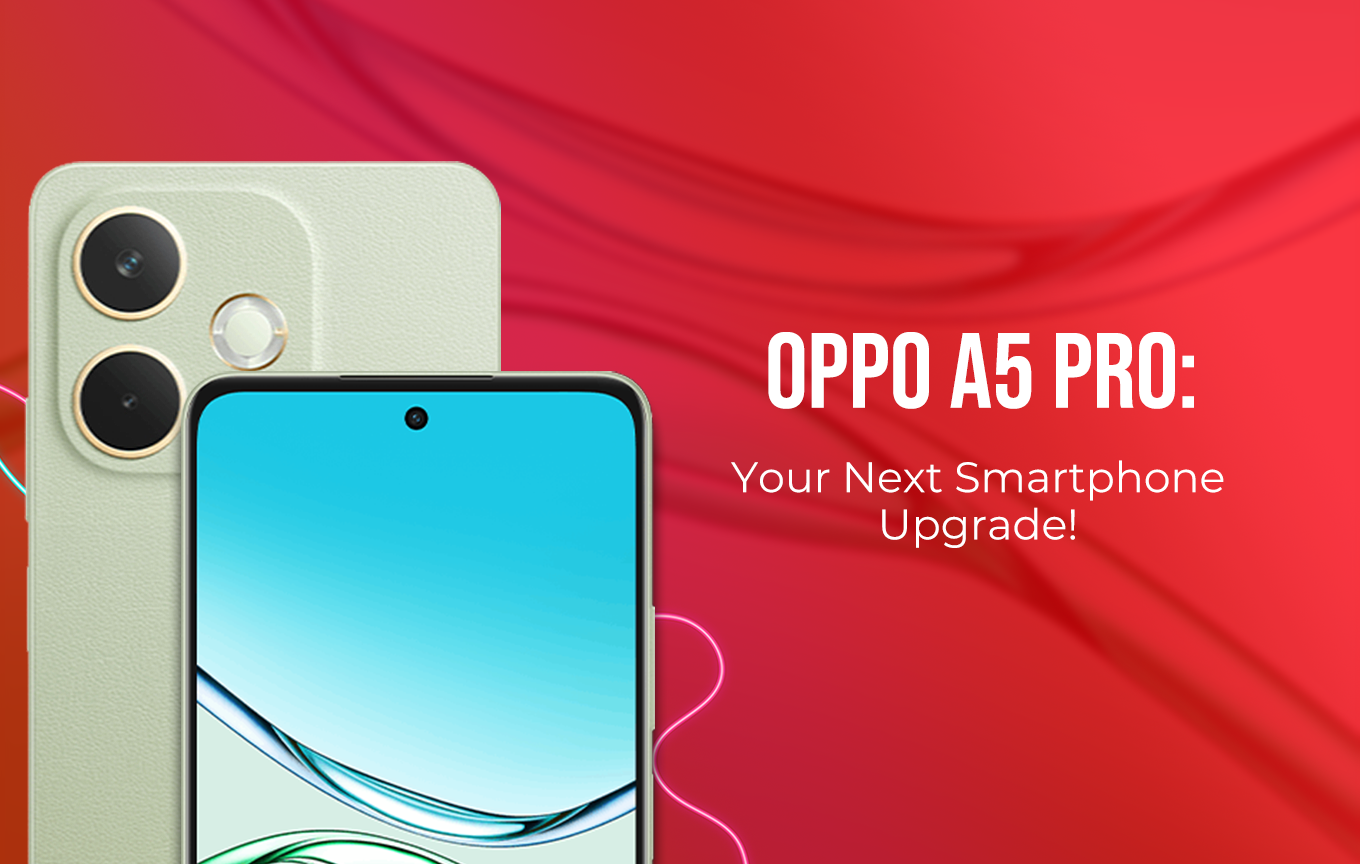
OPPO A5 Pro 4G vs A5 Pro 5G: The Ultimate Durability Champion
Read more
The OPPO A5 Pro Series is designed for users who demand durability, high performance, and long-lasting reliability...

Leave a comment